Dark mode in email clients New in 0.11
Every design tells email clients it supports both light and dark mode. For designs with a light background, LatestArr works out a matching dark palette from your colours, so a custom palette gets a sensible dark version without extra work.
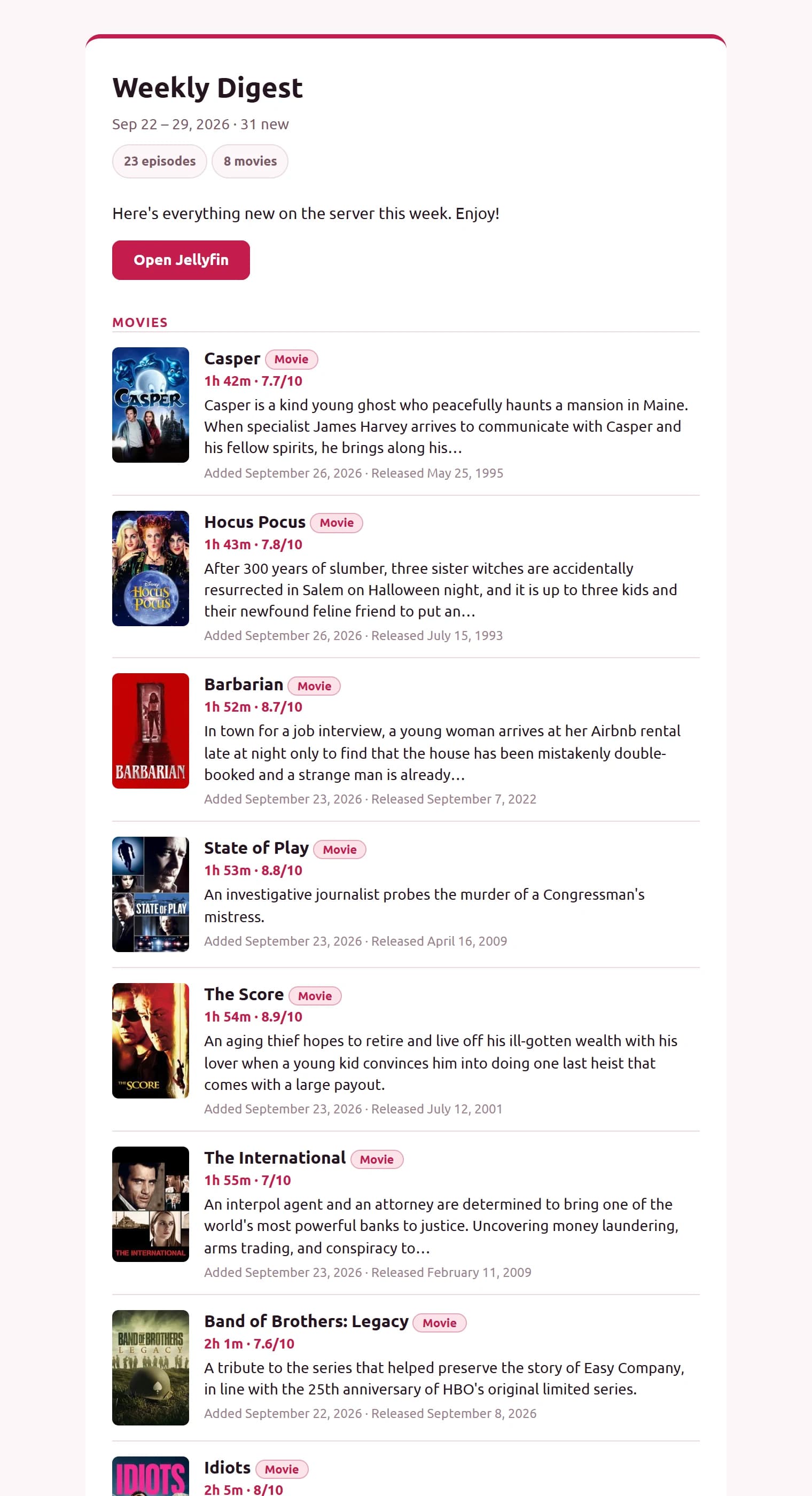
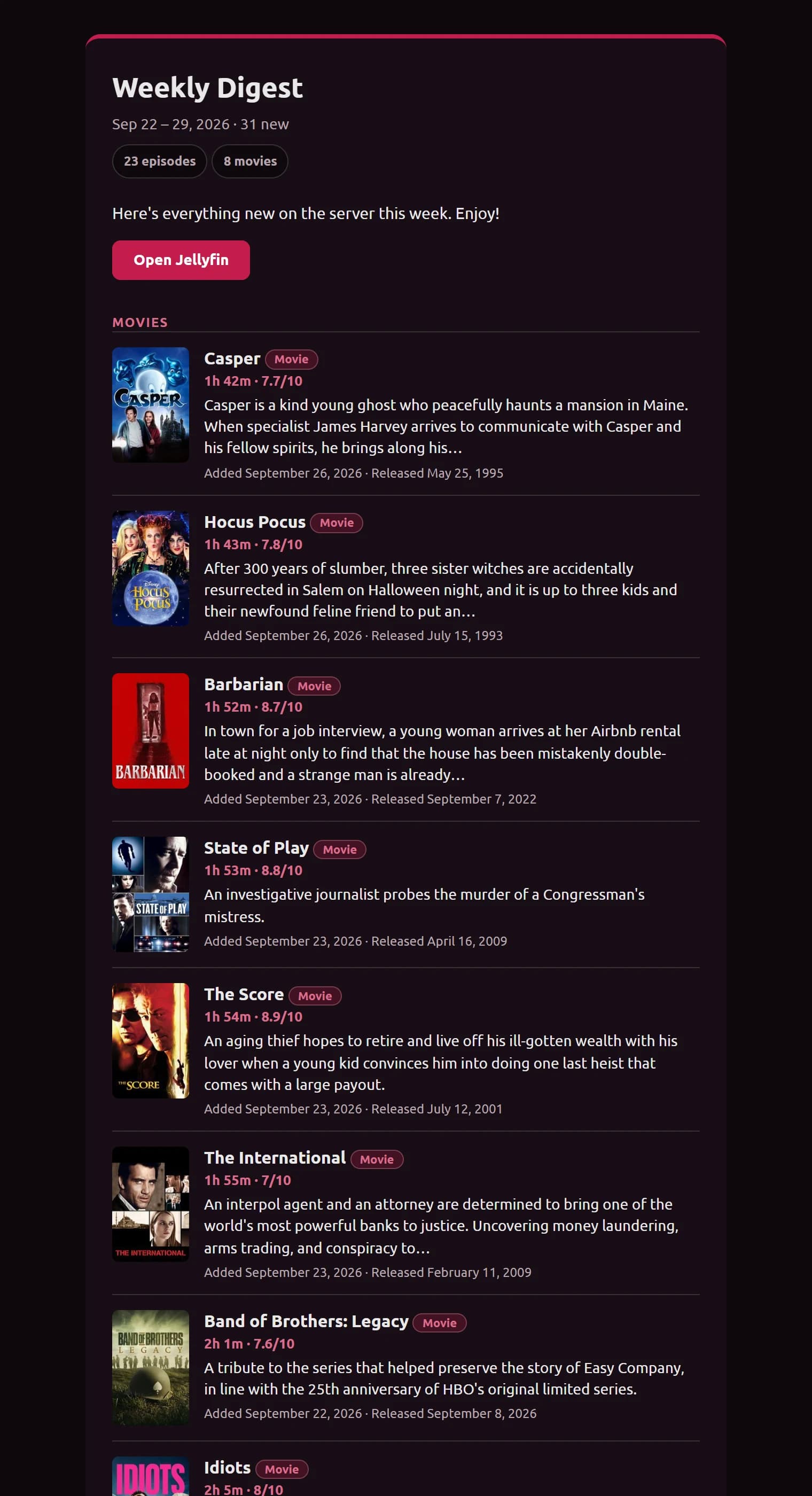
Support by client
- Apple Mail and similar clients switch to the dark palette when the device is in dark mode.
- Outlook.com uses its own dark-mode hooks, which LatestArr also targets.
- Clients that strip backgrounds (Thunderbird’s dark view, for example) still show the type badges, which have a thin border for exactly this reason.
- If your design’s background is already dark, LatestArr just declares support and leaves your colours alone.
⚠️
Gmail’s mobile apps apply their own dark mode and ignore these styles, so results there vary. There’s nothing a sender can do about that today.
In code designs
Code mode starts you with a one-line <!-- latestarr:dark-mode … --> comment in the head. It’s
replaced with the design’s dark-mode styles when the email is sent. Keep that line to keep dark
mode; delete it to turn dark mode off.
Last updated on