BookLore, BookOrbit, Grimmory
Status: BookOrbit working · BookLore and Grimmory 🧪 need testers · Content: books
Help test BookLore and Grimmory. They haven’t been confirmed on enough real setups yet. If you run either, please tell us how it went : which app and version, what worked, and any errors from the Logs page.
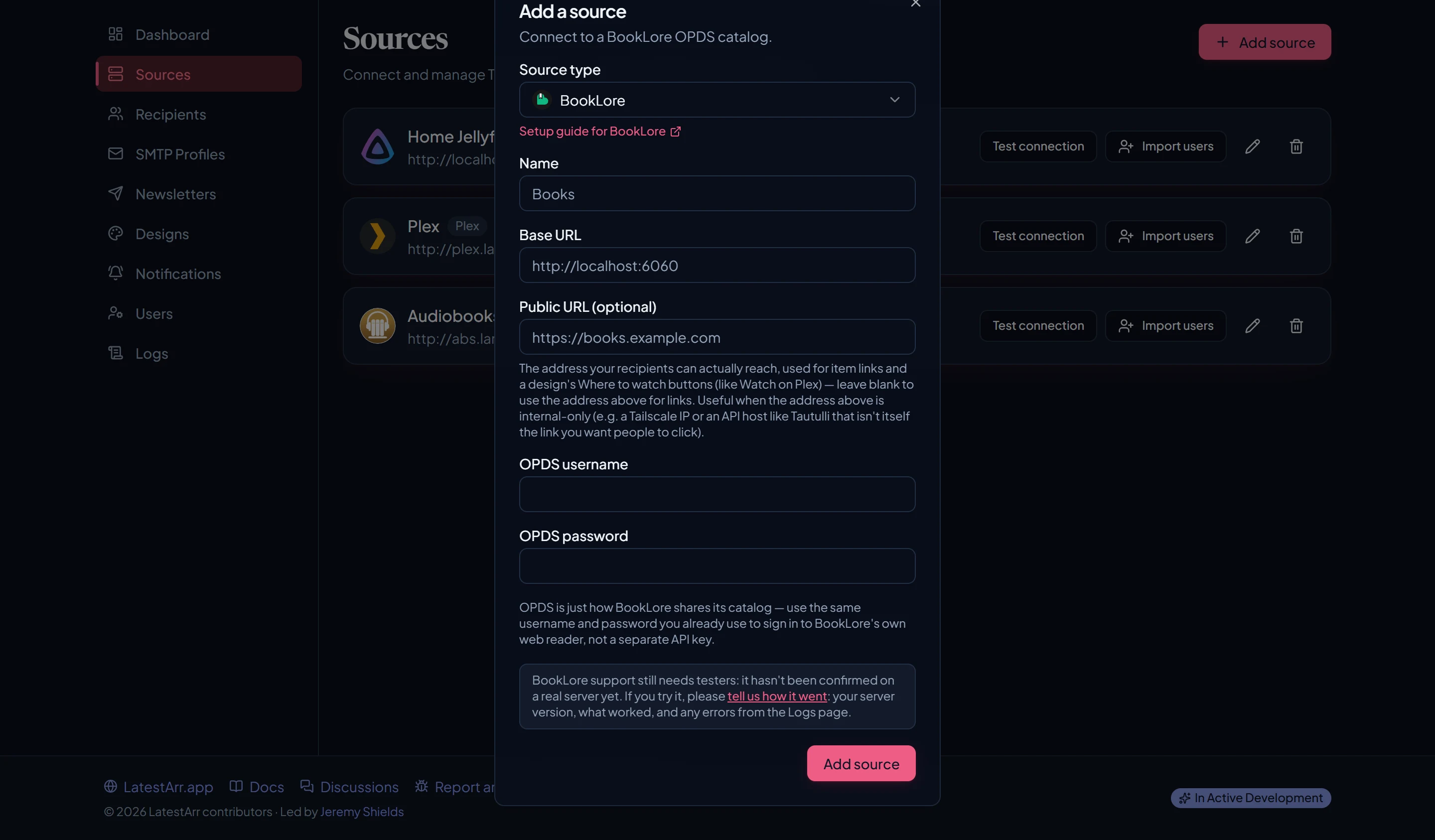
BookOrbit and Grimmory are forks of BookLore. All three share one adapter and behave the same way; pick the matching type when you add the source. LatestArr reads them through OPDS, the catalog feed these apps publish for e-reader apps.
What you need
| Field | Value |
|---|---|
| Base URL | Your library’s address, e.g. http://192.168.1.20:6060. |
| OPDS username | See below. |
| OPDS password | See below. |
| Public URL | Optional. The address recipients can reach. |
Use the credentials your library accepts for OPDS. On some setups that’s the same username and password you use for the web reader; on others, OPDS has its own credentials set up in the app. If the connection test is rejected with your normal sign-in, check your library’s OPDS settings.
What it fetches
Books, badged Ebook (EPUB, PDF), Comic (CBZ, CBR), or Book, based on the file type.
- The OPDS “recent” feed covers your whole catalog, so a source always reads every library in the app.
- “Date added” comes from the feed’s last-updated time, so a book whose metadata you edit recently may show up as new again.
Links point to the book’s page in your library, moved onto your Public URL when it’s set.
Importing users
Not supported. Add recipients by hand or from a list.