Users New in 0.11
More than one person can manage LatestArr. Everyone who can sign in is listed on the Users page.
Every user has full admin access for now: sources, SMTP profiles, recipients, designs, and other users. Separate roles are planned in #257 . Only add people you’d trust with your media server and mail credentials.
Users are the people who run LatestArr. The people who receive newsletters are recipients, and don’t need an account.
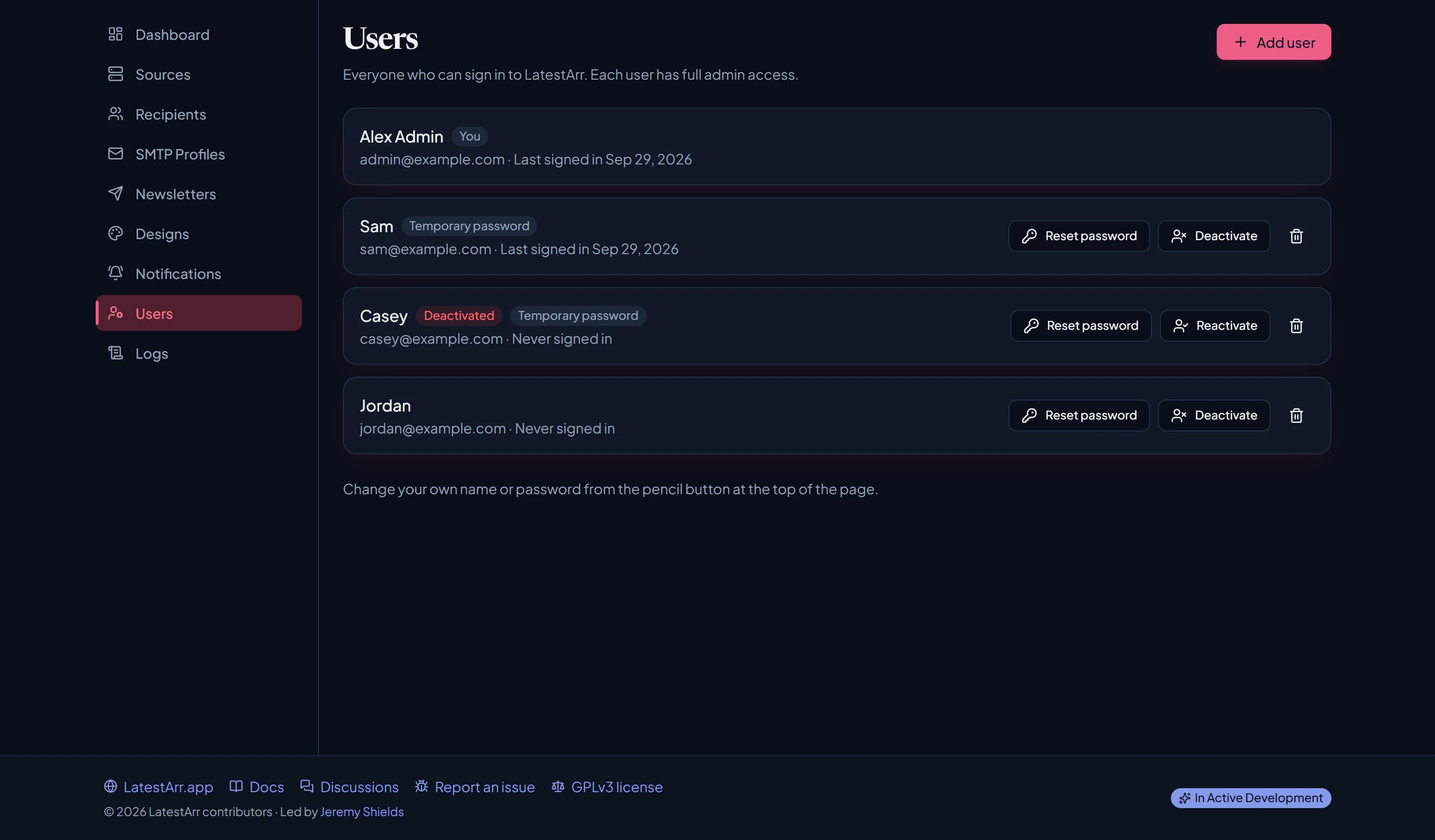
Add a user
Give them a name, their email address, and a temporary password (at least 12 characters) that you share with them yourself. LatestArr doesn’t email it.
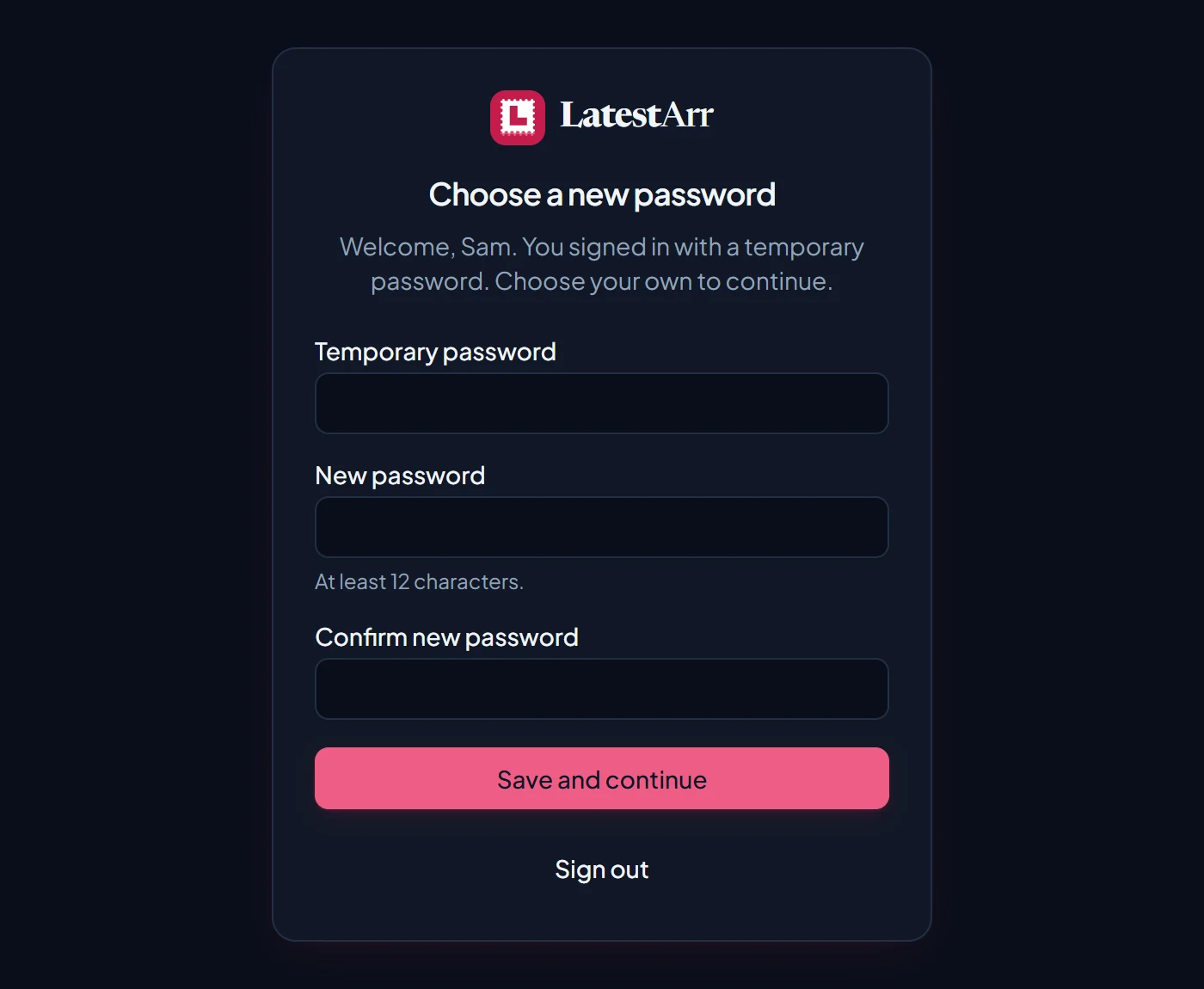
The first time they sign in, they have to choose their own password before they can do anything else.
For someone who will only sign in with SSO, use the email their provider uses and leave the password blank. They can sign in with SSO straight away.
Manage an account
| Action | What it does |
|---|---|
| Reset password | Sets a new temporary password, and signs them out everywhere. |
| Deactivate | Signs them out at once and stops them signing in. Their account stays. |
| Reactivate | Lets a deactivated user sign in again. |
| Delete | Removes the account. Designs they created are kept. |
You can’t deactivate or delete your own account, so there’s always at least one admin who can sign in. Change your own name or password from the pencil button in the header.
Sign-in email addresses aren’t case-sensitive. Every sign-in, failed attempt, and settings change shows on the Logs page along with who made it.