Grouping New in 0.11
By type
With Group by type on (the default), the email has a section for each type, in the order you choose:
- Movies
- TV: episodes and seasons together
- Books
- Audiobooks: including podcasts from Audiobookshelf
- Games
Reorder them in the editor’s Sections panel. Most items per section caps each one.
With grouping off, everything is one list, newest first, and the cap becomes Most items in total.
A show’s episodes
When two or more new episodes of the same show arrive, Group a show’s new episodes folds them into one row instead of filling the email with near-identical entries:
The Daily Show · 4 new episodes S30E101 · … S30E102 · …
The row uses the show’s poster and lists up to five episodes, each linking to its own page, then “and N more” if there are others.
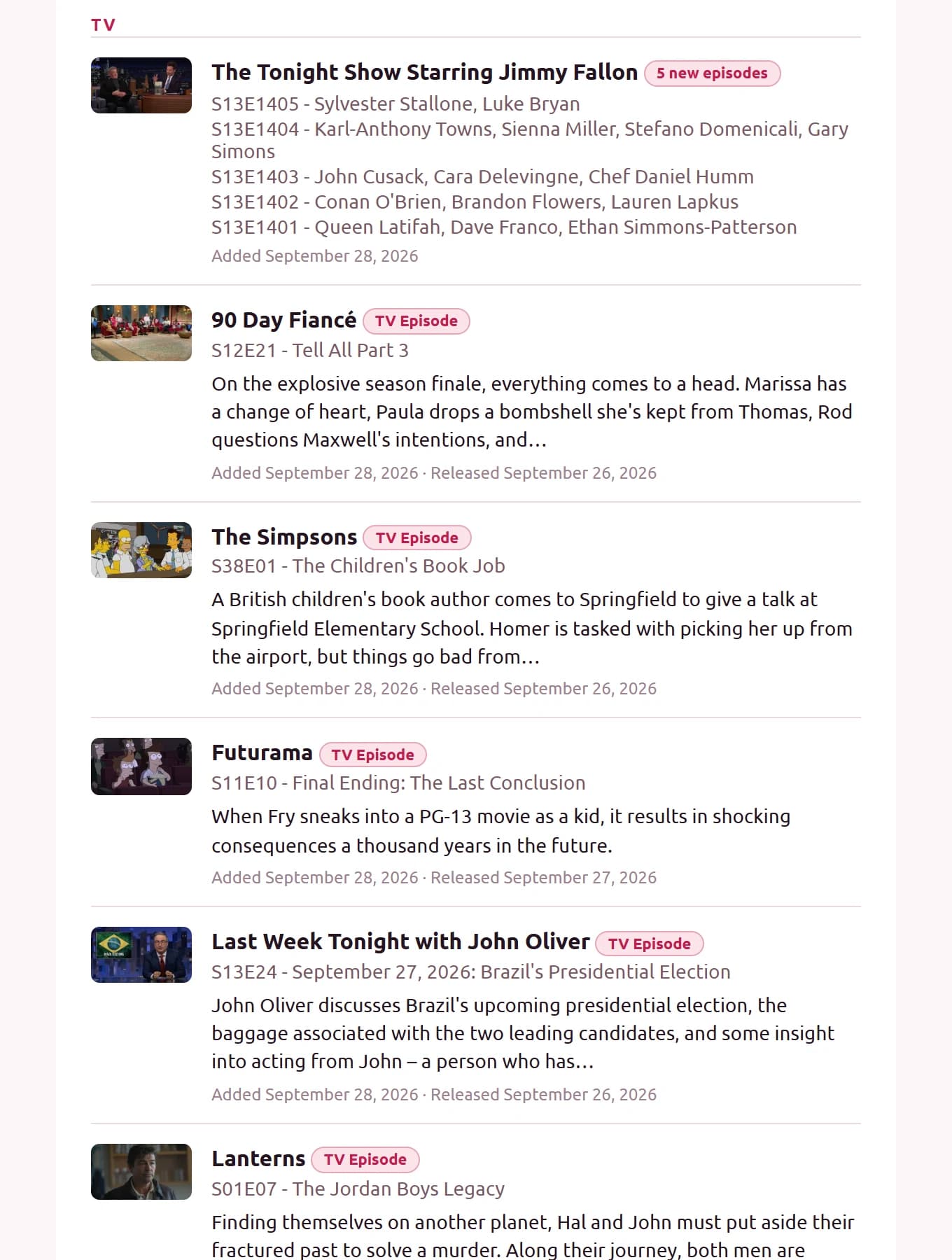
Limits count rows, not episodes, so a grouped show uses one slot. The Most watched section isn’t grouped.
Last updated on