Importing users
Instead of typing everyone in, you can import users from a source as recipients.
Which sources support it
| Source | Emails provided? | Notes |
|---|---|---|
| Tautulli | When the server owner can see them on plex.tv | |
| Plex | No | Type each email in. |
| Jellyfin New in 0.11 | No | Type each email in. |
| Emby New in 0.11 | Sometimes | Uses the Emby Connect name when it’s an email. Untested. |
| Audiobookshelf | Where set | Token must belong to an admin or root user. |
| RomM | Where set | Token needs the users.read scope. |
BookLore-family sources don’t have a user list to import.
How it works
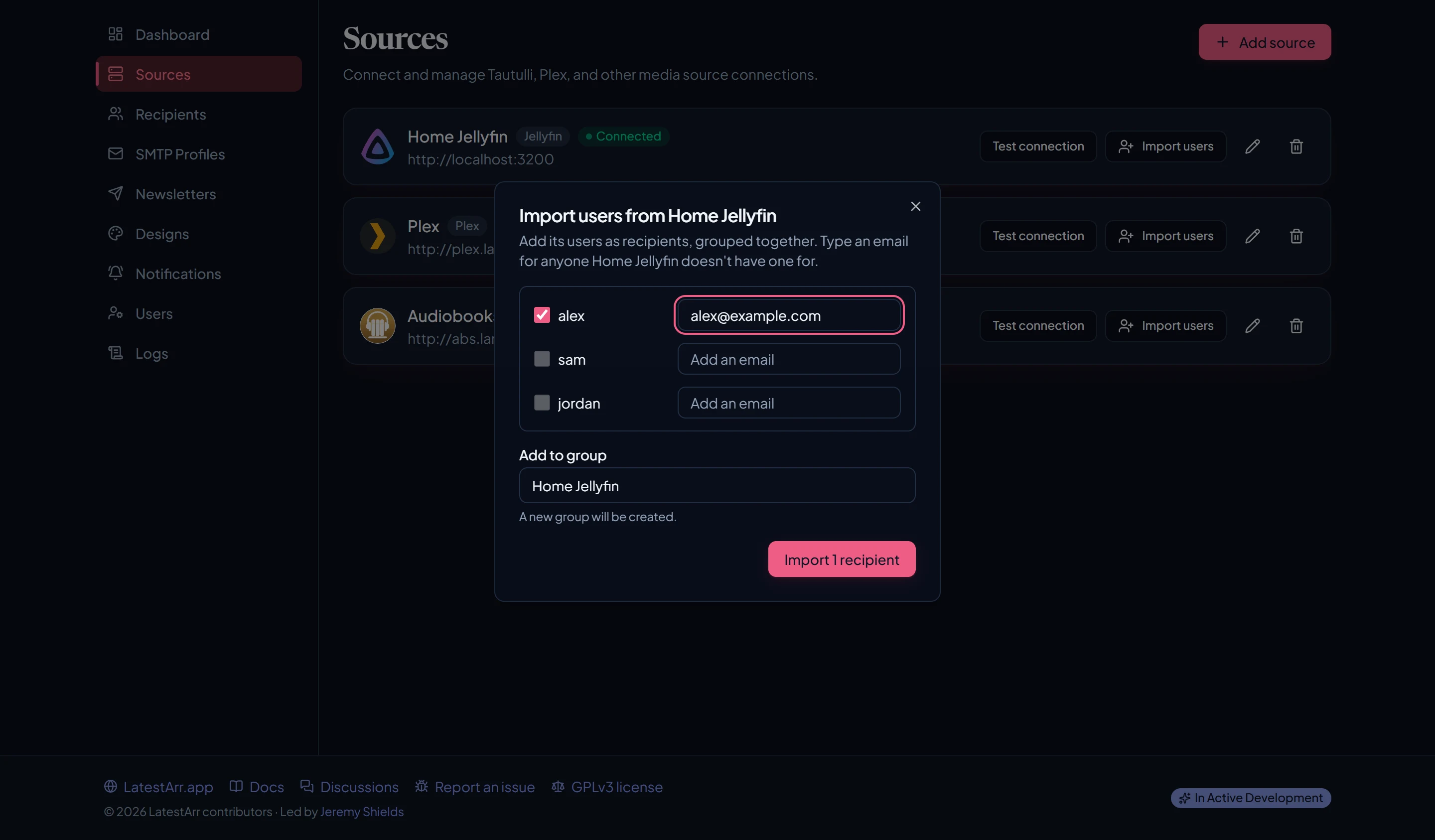
- On the Sources page, choose Import users on a source.
- LatestArr lists that server’s users. Disabled users and built-in accounts are left out.
- Type an email for anyone the server doesn’t have one for. Skip anyone you don’t want.
- Import. Everyone lands in a group named after the source. If that group already exists, they’re added to it.
Then pick that group when you set up a newsletter.
Importing users doesn’t sign anyone up on its own: only people in a group that a newsletter targets get email. Make sure the people you import expect to hear from you.
Last updated on